



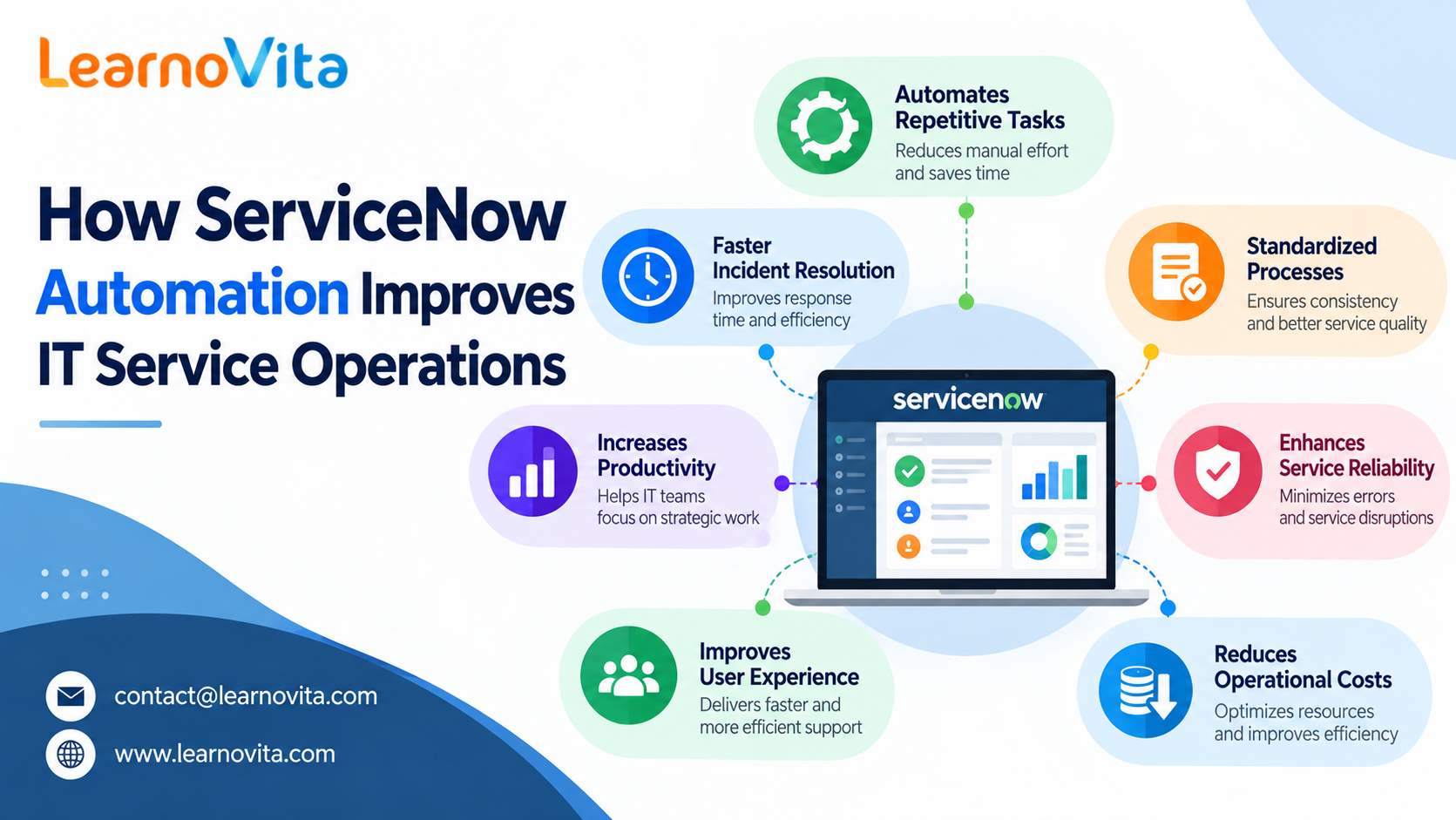
ServiceNow automation helps organizations improve IT service delivery by simplifying daily tasks, reducing manual intervention, and creating smoother workflows. IT departments must manage technical incidents, employee requests, system changes, and service approvals while ensuring that business operations continue without unnecessary interruptions. Handling these responsibilities manually can consume time and increase the possibility of errors. ServiceNow provides automation capabilities that help teams coordinate tasks, follow standardized processes, and respond to service needs more efficiently. Understanding these capabilities is valuable for professionals interested in modern IT service management.
Creating More Organized IT Workflows
Efficient IT operations depend on clear processes and effective coordination. ServiceNow allows organizations to manage different service activities through a centralized platform, bringing incidents, requests, approvals, and task assignments into connected workflows. Automated rules can initiate actions, update records, and notify responsible employees when specific conditions are met. This reduces repeated follow-ups and helps teams understand what needs attention. A centralized workflow structure also improves accountability and makes it easier to monitor the progress of IT activities.
Improving Incident Handling and Support Response
When technical issues occur, IT teams need a reliable way to record, prioritize, and resolve them. ServiceNow automation can help categorize incidents, assign them to suitable support groups, and escalate unresolved issues according to predefined rules. Notifications keep relevant team members informed, while organized incident records support investigation and follow-up. By reducing manual routing and administrative work, technicians can concentrate on troubleshooting and restoring services. These improvements can help organizations manage support requests more consistently and reduce avoidable delays.
Making IT Service Requests Easier to Manage
Employees frequently need application access, software installations, password assistance, and hardware support. Without an organized request process, these activities can generate unnecessary emails and slow down service delivery. ServiceNow helps simplify request management through service catalogs, automated approval steps, task routing, and progress updates. Employees can submit requests through a central portal, while IT teams can monitor each request as it moves through the workflow. Professionals interested in these processes can explore ServiceNow Course in Bangalore to understand how automation supports structured IT service delivery.
Managing IT Changes With Better Coordination
Changes to business applications, servers, and network infrastructure require proper planning to reduce operational risks. ServiceNow supports change management by organizing change records, approval processes, assigned tasks, and stakeholder notifications. Automated workflows help ensure that configured steps are followed and that relevant information remains available for review. Problem management can also benefit from structured incident information, allowing teams to investigate recurring failures and identify their underlying causes. These capabilities encourage more controlled changes and help organizations improve service stability.
Automating Repetitive Administrative Tasks
Routine activities can take valuable time away from technical work and service improvement. ServiceNow automation can handle tasks such as assigning work, updating records, sending reminders, and notifying employees about important changes. Flow Designer allows teams to configure workflows using triggers, actions, and conditions without requiring extensive custom development for many common processes. This can reduce repetitive effort and improve consistency across IT operations. Regular testing and monitoring remain essential to ensure workflows perform correctly and respect organizational policies.
Connecting Monitoring Alerts With Service Workflows
IT teams need to identify and investigate service interruptions quickly. ServiceNow can integrate with compatible monitoring and event-management systems to connect technical alerts with incident management processes. Depending on the available integrations and configuration, these workflows may create incident records, notify support personnel, or trigger approved response actions. This helps teams coordinate investigations and respond to potential issues in a more structured manner. Learners can explore ServiceNow Course in Chennai to build an understanding of service workflows and the processes that support reliable IT operations.
Evaluating Service Quality Through Performance Data
Measuring results helps organizations determine whether their automation initiatives are delivering value. ServiceNow reports and dashboards can provide information about incident trends, request volumes, response times, and workflow progress. IT managers can use these insights to identify bottlenecks, review team workloads, and discover processes that may need improvement. Comparing performance over time also helps teams assess the effectiveness of workflow changes. Professionals can explore ServiceNow Course in Hyderabad to strengthen their knowledge of platform capabilities and service management practices.
Conclusion:
ServiceNow automation improves IT service efficiency by streamlining workflows, organizing incident management, simplifying employee requests, and reducing repetitive administrative work. It also helps teams coordinate system changes, respond to operational alerts, and evaluate service performance using available reports. Successful implementation requires clearly defined processes, appropriate access permissions, accurate information, and ongoing workflow reviews. Developing practical ServiceNow knowledge can help aspiring professionals understand how automation supports modern IT environments and contributes to dependable service delivery.


