


Apple Device Management: Security, Compliance, and Remote Management Explained
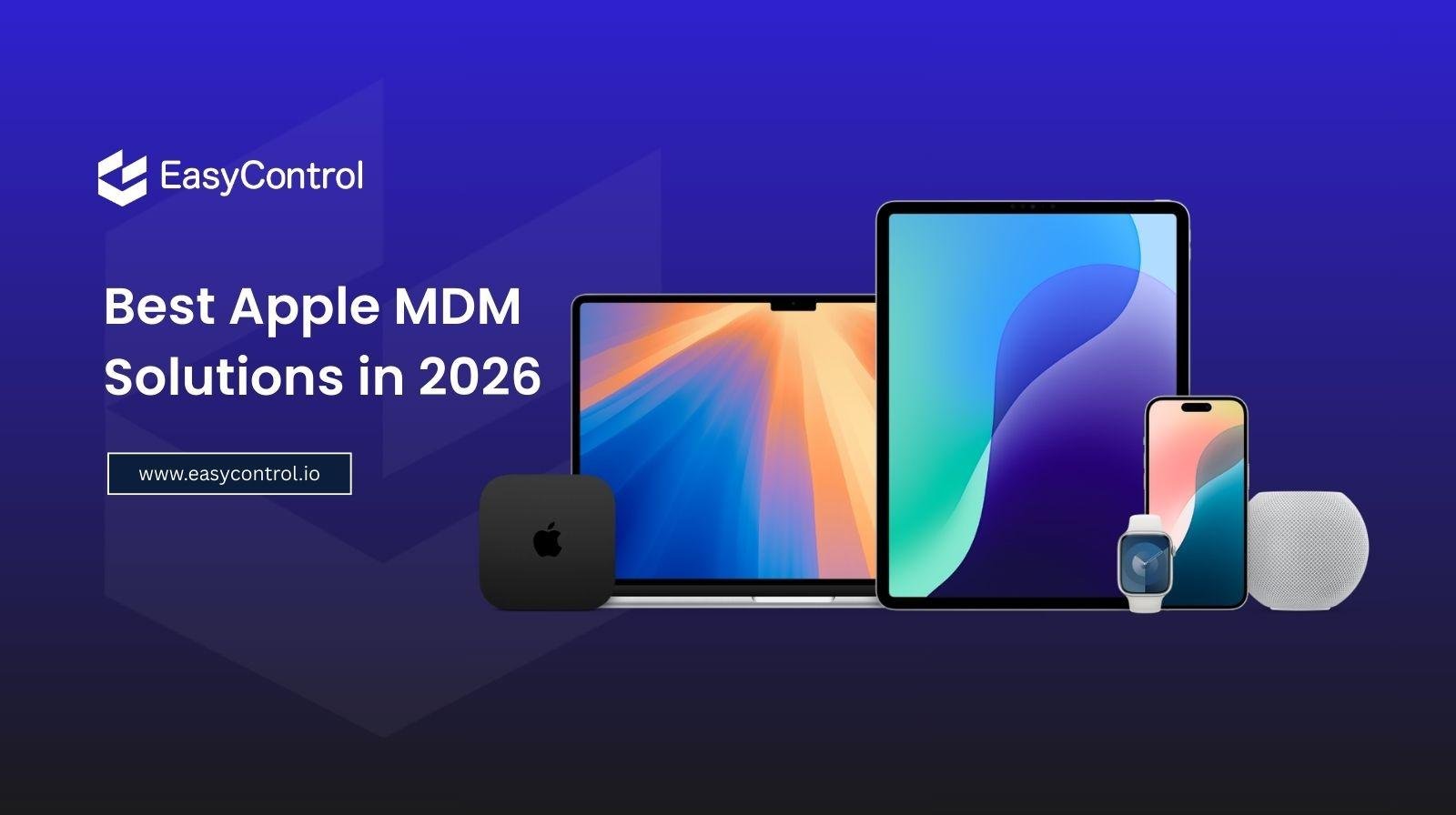
Apple devices have become a common choice for businesses, schools, healthcare organizations, and other workplaces. From MacBooks and iMacs to iPhones and iPads, these devices offer strong performance, security, and a user-friendly experience.
But as the number of Apple devices grows, managing them manually becomes increasingly difficult. IT teams need to configure devices, install applications, enforce security policies, monitor compliance, and troubleshoot problems—often across multiple locations.
This is where Apple Device Management becomes essential.
Apple Device Management provides organizations with a centralized way to configure, secure, monitor, and manage Apple devices throughout their lifecycle. Instead of handling every device individually, IT administrators can manage multiple endpoints from a single platform.
What Is Apple Device Management?
Apple Device Management is the process of centrally managing Apple devices used within an organization. It typically covers devices such as MacBooks, iMacs, iPhones, and iPads.
Modern management platforms use Apple's built-in management capabilities to help IT administrators perform tasks remotely. Depending on the solution, administrators can configure device settings, deploy applications, apply security policies, restrict certain functions, and manage access.
This is particularly useful for organizations with remote employees, distributed offices, educational institutions, and businesses that provide Apple devices to employees.
The goal is simple: give users a smooth experience while giving IT teams greater control and visibility.
Why Is Apple Device Management Important?
Managing a few Apple devices manually may seem easy. The challenge appears when an organization has dozens, hundreds, or thousands of endpoints.
Imagine an IT administrator needing to configure 200 MacBooks for new employees. Doing this manually would take considerable time and increase the possibility of configuration errors.
Apple Device Management allows administrators to automate many of these tasks.
1. Centralized Device Management
A centralized management platform gives IT teams visibility into managed Apple devices from one place.
Administrators can view device information, apply configurations, manage applications, and enforce organizational policies without physically accessing every endpoint.
This can significantly reduce repetitive administrative work.
2. Stronger Security
Security is one of the biggest reasons organizations adopt device management.
IT teams can establish security requirements such as password policies, screen-lock settings, encryption requirements, and other restrictions.
If a device is lost or compromised, administrators can also take appropriate remote actions depending on the capabilities of their management platform.
This helps organizations reduce the risks associated with unauthorized access and unmanaged endpoints.
3. Better Compliance
Businesses often need to follow internal security policies or industry-specific requirements. Simply having security policies isn't enough—they also need to be consistently applied.
Apple Device Management can help organizations enforce standardized configurations across managed devices.
For example, an organization can establish requirements for passwords, applications, access restrictions, and security settings. This creates a more consistent security environment and makes it easier for IT teams to identify devices that may not meet organizational requirements.
Apple Device Management for Mac Computers
MacBooks and iMacs are increasingly used in professional environments, especially by developers, designers, executives, and remote employees.
However, managing Macs at scale requires more than simply installing software.
Mac device management allows IT teams to centrally configure Macs, deploy applications, manage settings, and enforce security policies.
For example, when a new employee joins the organization, IT administrators can prepare their Mac with the required applications and configurations before the device reaches the employee.
This can make employee onboarding faster while reducing the workload for IT teams.
Mac management is also useful for maintaining consistent configurations across company-owned computers. Instead of relying on employees to manually change settings or install required software, administrators can manage many configurations centrally.
Managing iPads for Specialized Environments
iPads are used in many environments beyond traditional office work. Retail stores, hospitals, restaurants, schools, warehouses, and reception areas may use iPads for specific tasks.
In these situations, users may not need access to the entire device. They may only need one application or a limited set of functions.
This is where iPad kiosk management can be particularly useful.
With kiosk management, an organization can configure an iPad for a specific purpose. For example, a retail business might use an iPad exclusively for customer check-ins or product demonstrations.
A school could configure shared iPads for students with controlled access to educational applications.
By limiting unnecessary functionality, organizations can create a more focused user experience while reducing opportunities for misuse.
What Is an Apple MDM Solution?
An apple mdm solution is a platform that helps organizations centrally manage Apple devices through mobile device management capabilities.
While the exact features vary between providers, a modern solution may include capabilities such as:
-
Device enrollment and provisioning
-
Application deployment
-
Configuration management
-
Security policy enforcement
-
Remote device actions
-
Device inventory and monitoring
-
Restrictions and usage controls
-
Compliance management
-
Automated onboarding and offboarding
The right solution depends on an organization's device fleet, security requirements, IT resources, and operational needs.
Remote Management: A Major Advantage
Remote work has changed how IT teams manage company devices.
Employees may work from home, travel frequently, or operate from different offices. Requiring IT staff to physically access devices for every configuration change is inefficient.
Apple Device Management enables administrators to perform many management tasks remotely.
For example, an IT administrator may need to update a configuration across hundreds of devices. Rather than visiting each location, the administrator can apply the required policy centrally.
This saves time and makes IT operations more scalable.
Automated Enrollment Makes Deployment Easier
Device deployment can be one of the most time-consuming parts of IT management.
Modern Apple management workflows can simplify enrollment and provisioning, allowing organizations to prepare devices with predefined configurations and applications.
This means employees can receive a device that is already configured according to company requirements.
The result is a smoother onboarding experience and less manual work for IT administrators.
Choosing the Right Apple Device Management Solution
Organizations should consider more than just the number of supported devices when selecting a management platform.
Important factors include:
Security: Does the platform provide the controls needed to protect company devices?
Scalability: Can it handle the organization's current fleet and future growth?
Automation: Can routine tasks such as enrollment, configuration, and application deployment be automated?
Visibility: Does the IT team have enough information about managed devices to identify potential issues?
Ease of use: A complicated platform can increase the workload it is supposed to reduce.
Cross-platform support: Organizations using Apple alongside Windows, Android, or other platforms may benefit from a solution capable of managing multiple operating systems.
The Future of Apple Device Management
As organizations continue adopting Apple hardware, device management will become increasingly important.
The challenge isn't simply putting devices into employees' hands. Organizations need to make sure those devices remain secure, properly configured, compliant, and productive throughout their lifecycle.
Automation, centralized administration, remote management, and stronger security controls are making this process easier for IT teams.
Ultimately, effective Apple Device Management creates a balance between employee flexibility and organizational control.
Conclusion
Apple devices can provide businesses with an excellent combination of performance, usability, and security. But managing a growing Apple fleet without centralized tools can quickly become complicated.
Apple Device Management helps organizations simplify this process by providing centralized control over device configuration, security, applications, compliance, and remote administration.
Whether an organization needs Mac device management for employee computers, iPad kiosk management for specialized workflows, or a complete apple mdm solution for its Apple fleet, the right management strategy can reduce IT workload while improving security and operational efficiency.
As Apple adoption continues to grow across businesses and institutions, having a structured device management strategy is no longer just an IT convenience—it is an important part of maintaining a secure and productive digital workplace.

 Spanish
 English
 Arabic
 French
 Portuguese
 Deutsch
 Turkish
 Dutch
Dutch
 Italiano
 Russian
 Romaian
 Portuguese (Brazil)
 Greek
Greek